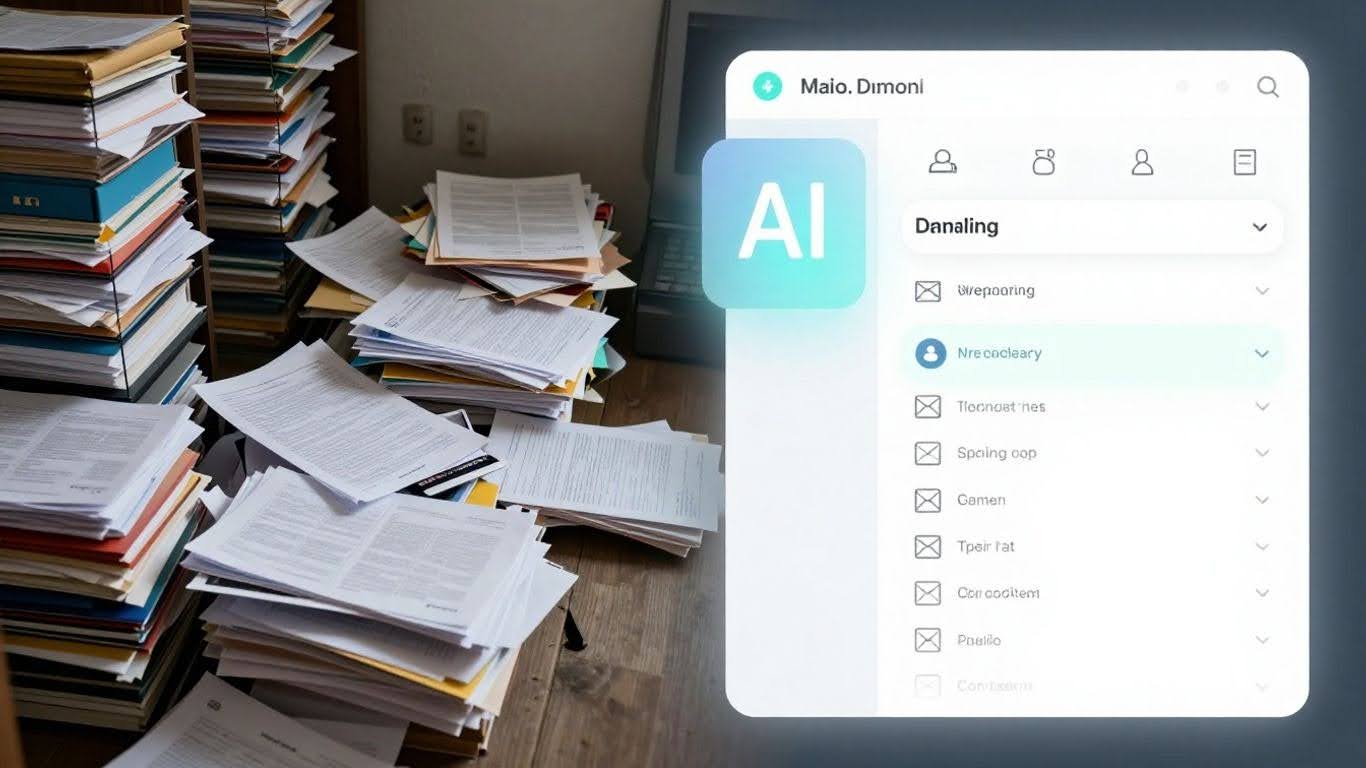
How AI email responders are replacing manual inboxes — without losing the human touch
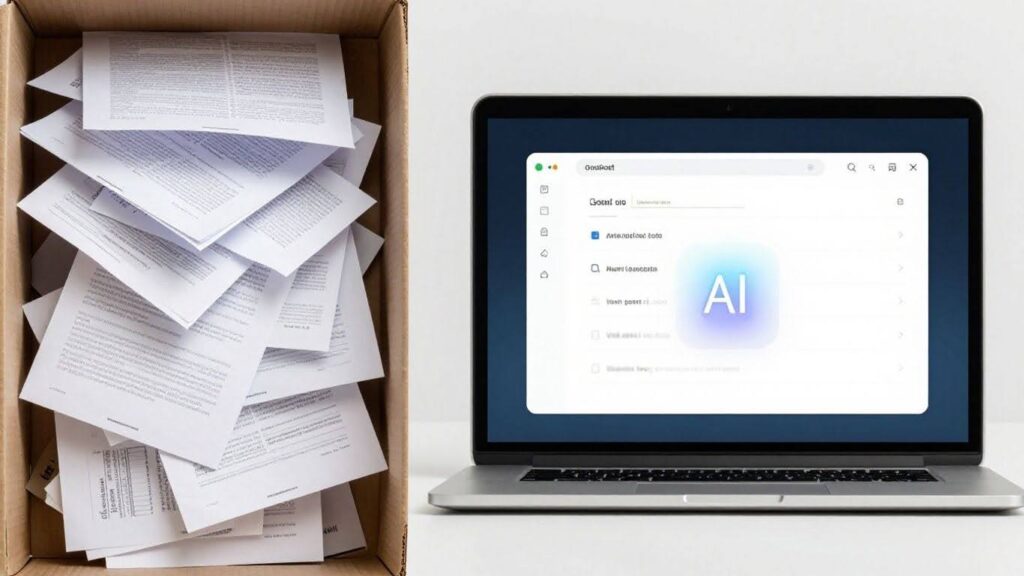
Let’s be honest, the overflowing inbox is a problem most of us know all too well. It feels like a never-ending stream of questions, requests, and issues that just keep piling up. For support teams, this isn’t just an annoyance; it’s a massive drain on time and energy, pulling them away from the more complex tasks that really need their attention. This is where AI email responders step in, not to replace your team, but to supercharge them.
Your team is likely spending a huge chunk of their week just typing out similar answers to common questions. We’re talking about things like order status updates, return policies, or basic troubleshooting. It’s repetitive work that doesn’t always require a human brain, but it still takes up valuable hours. When responses are slow, customers get frustrated, and that can lead them to look elsewhere. It’s a cycle that’s tough to break with just manual effort.
AI email automation changes this dynamic. It’s designed to understand what a customer is asking, figure out the best way to help, and then draft a reply that sounds like it came from you. It’s about making sure that even when an AI is handling the initial response, it feels personal and helpful. This technology can categorize, prioritize, and even respond to hundreds of emails daily, all while keeping your brand’s unique voice intact. The goal isn’t to cut out the human element entirely, but to intelligently filter and handle the bulk of routine inquiries, freeing up your human agents for the conversations that truly need their attention and critical thinking. It’s about smarter support, not less support.
The real magic happens when AI handles the predictable, allowing your human team to focus on the unpredictable. It’s about scaling your support without sacrificing quality or that personal connection customers value.
The inbox problem that’s draining your team’s productive hours
Let’s be honest, email inboxes can feel like a black hole for productive time. For many support teams, the sheer volume of messages coming in daily is overwhelming. It’s not just about writing the replies; it’s all the stuff that happens before an agent even gets to the keyboard. Think about reading through long, messy email threads just to figure out what’s going on, or trying to decide if a customer’s issue is a billing problem or a technical glitch. Then there’s the whole process of figuring out who should actually handle it. For a team dealing with hundreds of emails a day, this overhead can become the main job, turning skilled agents into glorified sorters.
How many hours per week the average support team spends on repetitive email replies
It’s easy to underestimate the time sink. A significant chunk of a support agent’s week can disappear into the mechanical tasks surrounding email management. This includes:
- Reading and re-reading lengthy conversation histories to grasp context.
- Manually categorizing emails (e.g., sales inquiry, technical issue, billing question).
- Routing messages to the correct department or individual.
- Starting a reply from scratch, even for common questions.
This constant cycle of sorting and re-sorting eats away at time that could be spent solving complex customer problems. It’s a hidden cost that impacts efficiency across the board. We’re talking about hours lost each week, per agent, just on the administrative side of email. This is a major reason why teams struggle to keep up, especially as their customer base grows. It’s not about having a bad team; it’s often about the system they’re forced to work within.
Why slow email response times directly reduce customer retention
When emails pile up and responses get delayed, it doesn’t just annoy customers; it actively harms your relationship with them. Imagine sending a question about a product you just bought, only to wait days for a reply. By the time you hear back, your initial enthusiasm might have faded, or worse, you might have found a solution elsewhere. This delay can make customers feel undervalued and ignored.
The overnight gap, where emails sit unanswered for hours, is particularly damaging. A customer who sends a query before bed might wake up to silence, letting their frustration build. By the time a human agent responds, the damage to their perception of your service may already be done. This prolonged silence erodes trust and can be the tipping point for a customer to look for alternatives.
Slow response times are a direct pathway to decreased customer loyalty. Customers expect timely support, and when they don’t get it, they’re more likely to churn. This is especially true for urgent issues. A quick, helpful response can turn a potentially negative experience into a positive one, reinforcing their decision to do business with you. Conversely, a slow or non-existent reply can push even your most loyal customers away.
What an AI email responder actually does — explained
So, how does this whole AI email thing actually work? Think of it more like a super-smart assistant who’s really good at reading and writing, but specifically for your inbox. It’s not just sending out a “we got your email” message. This is about understanding what people are actually asking and giving them a real answer, fast.
How AI categorises, prioritises, and responds to hundreds of emails daily
An AI email responder looks at every single email that comes in. It reads the words, figures out what the person wants (are they asking about a refund? a product feature? a shipping delay?), and then decides how important it is. Is this a quick question that can be answered right away, or something that needs a human to look at?
Here’s a breakdown of what happens:
- Reading and Understanding: The AI uses something called natural language processing to read the email, just like you do. It gets the gist of the message.
- Sorting: It then sorts emails into different piles. Maybe one pile for billing questions, another for technical support, and a third for general inquiries.
- Prioritising: It can tell which emails are urgent. A customer complaining about a broken product might jump to the front of the line.
- Drafting Replies: For common questions, the AI can actually write a response. It pulls information from your company’s help docs or past successful replies to create an answer that fits the specific question asked. This means you get a reply that’s tailored to your exact problem, not just a generic template.
This whole process can happen in seconds, meaning emails get sorted and answered much faster than a person could manage. It’s like having an extra pair of hands, but ones that don’t need coffee breaks. This intelligent automation transforms inbox management, allowing for quicker customer service and streamlined communication.
How AI maintains your brand voice across every automated reply
One of the big worries is that AI replies will sound like robots. But good AI email responders are trained in your company’s style. If your brand is usually friendly and casual, the AI learns to write like that. If you’re more formal and professional, it picks up on that too.
It learns from:
- Your existing emails: The AI looks at how your team has written replies in the past.
- Your company’s help articles and website: This is where it gets factual information.
- Specific instructions: You can tell the AI things like “always be polite” or “use emojis sparingly.”
This training helps the AI sound like it’s part of your team, not an outsider. It keeps things consistent, so customers get the same feeling no matter who or what is answering their email.
When does the AI hand off to a human — and how does that work?
AI isn’t meant to handle everything. There are times when a human touch is absolutely necessary. The AI is smart enough to know its limits.
Here’s how the handoff usually works:
- Complex Issues: If an email involves a really complicated problem, a sensitive customer situation, or something the AI hasn’t been trained on, it flags it for a human agent.
- Customer Request: Sometimes, a customer might specifically ask to speak to a person. The AI can recognise this and route the email accordingly.
- Sentiment Analysis: If the AI detects a very angry or upset customer, it might decide it’s best for a human to step in and de-escalate the situation.
When an email is handed off, the AI doesn’t just pass it along. It usually provides a summary of the conversation so far and highlights the key points. This way, the human agent can jump in without having to read through the entire email chain, saving them time and making sure the customer doesn’t have to repeat themselves. It’s about using AI for what it’s good at – speed and consistency – and saving human agents for the tasks that require empathy and complex decision-making.
The goal isn’t to replace people, but to make their jobs easier and customer interactions smoother. AI handles the repetitive stuff, freeing up humans for the conversations that truly matter and require a personal touch. This way, you get the best of both worlds: instant responses for common issues and thoughtful, human support for complex ones.
The “human touch” concern — is AI email automation too robotic for your customers?

It’s totally understandable to worry about losing that personal connection when you start using AI for emails. We’ve all gotten those super generic, robotic replies that make you feel like just another ticket number, right? The fear is that AI will just spit out canned responses, making your brand sound cold and uncaring. And honestly, sometimes that happens. If an AI isn’t set up right, or if it’s just a basic auto-responder, it can definitely miss the mark.
Suppose a customer is writing in because they’re frustrated, confused, or maybe even upset. They’re not just looking for information; they’re looking for understanding. Can a machine really provide that? It’s a fair question. We’ve seen examples where AI messes up – like that airline bot giving bad advice about fares, or a chatbot suggesting illegal actions. Those aren’t just mistakes; they’re trust-breakers.
The real trick isn’t about replacing humans entirely, but about using AI to handle the predictable stuff so your human team can focus on the moments that truly need a human touch. It’s about making the whole process better, not just faster.
But here’s the thing: modern AI isn’t just a fancy auto-responder. It’s designed to actually read and understand what the customer is saying. It can learn your brand’s voice from your existing emails and help guides. So, instead of a generic “We got your message,” it can draft something that sounds like it came from your team, addressing the specific issue raised. The goal is to get the basic, repetitive questions answered instantly and accurately, freeing up your people for the complex, sensitive, or high-value conversations where empathy and critical thinking really matter. It’s about smart automation, not just automation for automation’s sake.
How modern AI generates personalised, contextual replies — not template spam
Remember those old auto-responders? The ones that sent a generic “Thanks for your email, we’ll get back to you soon” message, no matter what you actually wrote? Yeah, those are pretty much a thing of the past. Modern AI email responders are way smarter than that. They don’t just acknowledge your message; they actually understand it.
What customers actually experience when AI handles their email (with examples)
When an AI email responder is doing its job well, the customer experience is surprisingly normal, maybe even better than before. Instead of waiting days for a canned response, they get a reply that feels like it was written just for them, often within minutes. Let’s break down how that happens:
- Understanding the Real Question: The AI reads your email, not just for keywords, but for the actual intent. If you ask, “My order #12345 hasn’t arrived, and it was supposed to be here yesterday,” the AI gets that you’re looking for a status update and are concerned about a delay. It’s not just seeing “order status.”
- Accessing the Right Info: Based on understanding your intent, the AI pulls relevant information. For the delayed order, it might check your shipping system for the latest tracking data. For a billing question, it might look up your account details (securely, of course).
- Crafting a Specific Answer: Now, instead of a template, the AI writes a reply. If your order is stuck at a distribution center, the AI might draft something like: “Hi [Customer Name], I see your order #12345 is currently experiencing a slight delay at our [Location] distribution hub. The updated estimated delivery is now [New Date]. We apologize for the inconvenience and are monitoring it closely.”
- Maintaining Your Brand Voice: This is a big one. The AI learns how your company talks. If your brand is super friendly and casual, the AI’s replies will sound that way. If you’re more formal and technical, it adapts. It’s trained on your existing communications, so it sounds like you, not a robot.
The goal isn’t to trick customers into thinking they’re talking to a human. It’s to provide fast, accurate, and helpful information in a way that feels natural and consistent with your brand. When the AI can’t confidently answer or if the issue is complex, it smoothly hands off to a human agent, providing them with all the context they need.
Think about these scenarios:
- E-commerce Order Query: A customer emails, “Where’s my package? It’s been a week!” The AI checks the tracking, sees it’s out for delivery today, and replies: “Hi Sarah, good news! Your order #67890 is out for delivery today and should arrive by end of day. You can track it live here: [link].”
- Simple Product Question: Someone asks, “How do I connect the new Model X to Wi-Fi?” The AI pulls the relevant section from your help docs and responds: “To connect your Model X to Wi-Fi, go to Settings > Network > Wi-Fi Setup and select your network. Enter your password when prompted. For more details, check out our setup guide: [link].”
- Billing Inquiry: A customer writes, “I think I was overcharged on my last invoice.” The AI might respond: “Hi John, I understand you have a question about your recent invoice. To help me look into this, could you please provide the invoice number or the date of service? I’ll review it right away.”
This level of personalization and context is what makes AI email responders so effective. They handle the bulk of routine queries with speed and accuracy, freeing up your human team for the more complex, sensitive, or high-value interactions. It’s about making customer service more efficient without sacrificing the quality of the conversation. For businesses looking to scale their support operations, exploring tools like an AI email responder can be a part of a broader strategy to improve customer communication across the board.
Industries where AI email automation is delivering the highest ROI right now
It’s not just about cutting costs, though that’s a big part of it. AI email responders are really showing their worth in places where customer questions pile up fast and need quick, accurate answers. Think about it – when you’re waiting for an answer about an order or a service, every minute feels like an hour, right? These tools are stepping in to make that wait time disappear.
E-commerce: managing order queries, returns, and shipping questions at scale
This is probably the most obvious place AI is making a huge difference. E-commerce businesses get swamped with emails about:
- Order status updates (Where’s my stuff?)
- Return requests and instructions
- Shipping details and delays
- Product questions before a purchase
Before AI, support teams spent ages just looking up order numbers or copying and pasting return policies. Now, AI can pull that info directly from your systems and give customers an answer in seconds. This speed is a game-changer for keeping customers happy and coming back. It means fewer abandoned carts and more repeat business because people feel taken care of, even when they’re just asking a simple question.
The real win here is turning a potential headache into a smooth experience. Instead of a customer getting frustrated by a slow reply, they get instant confirmation or clear instructions, which builds trust. It’s about making the behind-the-scenes work invisible to the customer.
B2B Technical Support
Companies selling software or complex products often get really detailed technical questions. These used to pull engineers away from their actual work, slowing down development and support. AI can now read these complex emails, look through the company’s technical documents and past support tickets, and draft a detailed, accurate response. It can even explain technical jargon in simpler terms if needed. This frees up the experts to handle the truly unique or difficult problems that require human brainpower.
Financial Services Inquiries
Banks and other financial institutions have to be super careful with customer data and follow strict rules. This means responses need to be accurate and compliant. AI can handle a lot of the routine questions about account balances, transaction history, or policy details, always using pre-approved language. For anything sensitive or unusual, the AI can flag it immediately and send it to a human agent with all the context already gathered. This speeds things up without risking errors or breaking regulations.
The Future of Email Support: Smarter, Not Harder
So, AI email responders aren’t about getting rid of people. They’re about making sure your team isn’t bogged down by the same old, repetitive tasks. Think of it as giving your support staff a super-powered assistant that handles the grunt work, like sorting emails and drafting initial replies. This frees them up to tackle the really tricky stuff that needs a human touch – the complex problems, the sensitive situations, or just making a customer feel truly heard. It’s a way to handle more emails, faster, without making your customers feel like they’re talking to a robot. The goal is to make your support team more effective, not to replace them, ensuring that every customer gets the right kind of help, whether it’s quick and automated or thoughtful and personal.
Frequently Asked Questions
Q: How is an AI email helper different from a simple auto-reply?
A: Think of a simple auto-reply like a pre-written note saying ‘Got your message, will reply soon!’ It’s the same message for everyone. An AI email helper is much smarter. It actually reads what the customer wrote, understands their problem, and then writes a personal answer just for them. It’s like having a helpful assistant who knows your business inside and out.
Q: Can AI really sound like a real person and not a robot?
A: Yes! AI email helpers learn how your company talks to customers. If your team uses a friendly, helpful tone in emails, the AI will learn that and use it too. It can also adjust its tone based on the customer’s message, making sure it sounds just right – not too stiff, not too casual, but always professional and helpful.
Q: Will AI send out emails without anyone checking them first?
A; In a well-set-up system, no. The AI usually creates a draft of the reply, like a suggestion. A human team member can then quickly look it over, make any small changes if needed, and send it off. This way, you get the speed of AI with the safety of a human touch, especially for tricky or important messages.
Q: Does using AI mean my support team will lose their jobs?
A; Not at all! AI email helpers are designed to help your team, not replace them. They handle the simple, repetitive questions that take up a lot of time. This frees up your human agents to focus on the really tough problems that need their unique skills, like solving complex issues or dealing with upset customers. It means your team can do more important work and feel less overwhelmed.
Q: What happens if the AI doesn’t understand a customer’s question?
A: That’s where the human part comes in. If the AI isn’t sure or if the question is very complicated or emotional, it will flag it for a human agent to handle. The AI can even give the human agent a summary of the conversation so far, making it easier for them to jump in and help quickly.
Q: How quickly can AI start helping with my emails?
You can see results very quickly! Basic AI email helpers can be set up in just a few days. For more complex systems that connect with other tools, it might take a bit longer, maybe a few weeks. But the goal is always to start making your team’s life easier and your customers happier as soon as possible.
Latest Post

What Our Client
After deploying the AI chat widget on our website, we experienced a 35% increase in lead conversions within the first two months. The chatbot instantly engages visitors, qualifies prospects, and routes high-intent inquiries directly to our sales team. It works 24/7, ensuring we never miss an opportunity — even outside business hours.
Marketing Director
The AI Email Responder completely transformed how we manage customer communication. It automatically categorizes, prioritizes, and responds to hundreds of daily inquiries with accurate, human-like replies. Our team now focuses on strategic growth instead of repetitive emails, and our response time has improved dramatically.
E-Commerce Founder
Onivaan’s AI solution streamlined our entire customer support process. We reduced response times by over 50% and significantly increased customer satisfaction scores. The system handles FAQs, appointment scheduling, and common troubleshooting instantly, allowing our support agents to concentrate on complex cases.