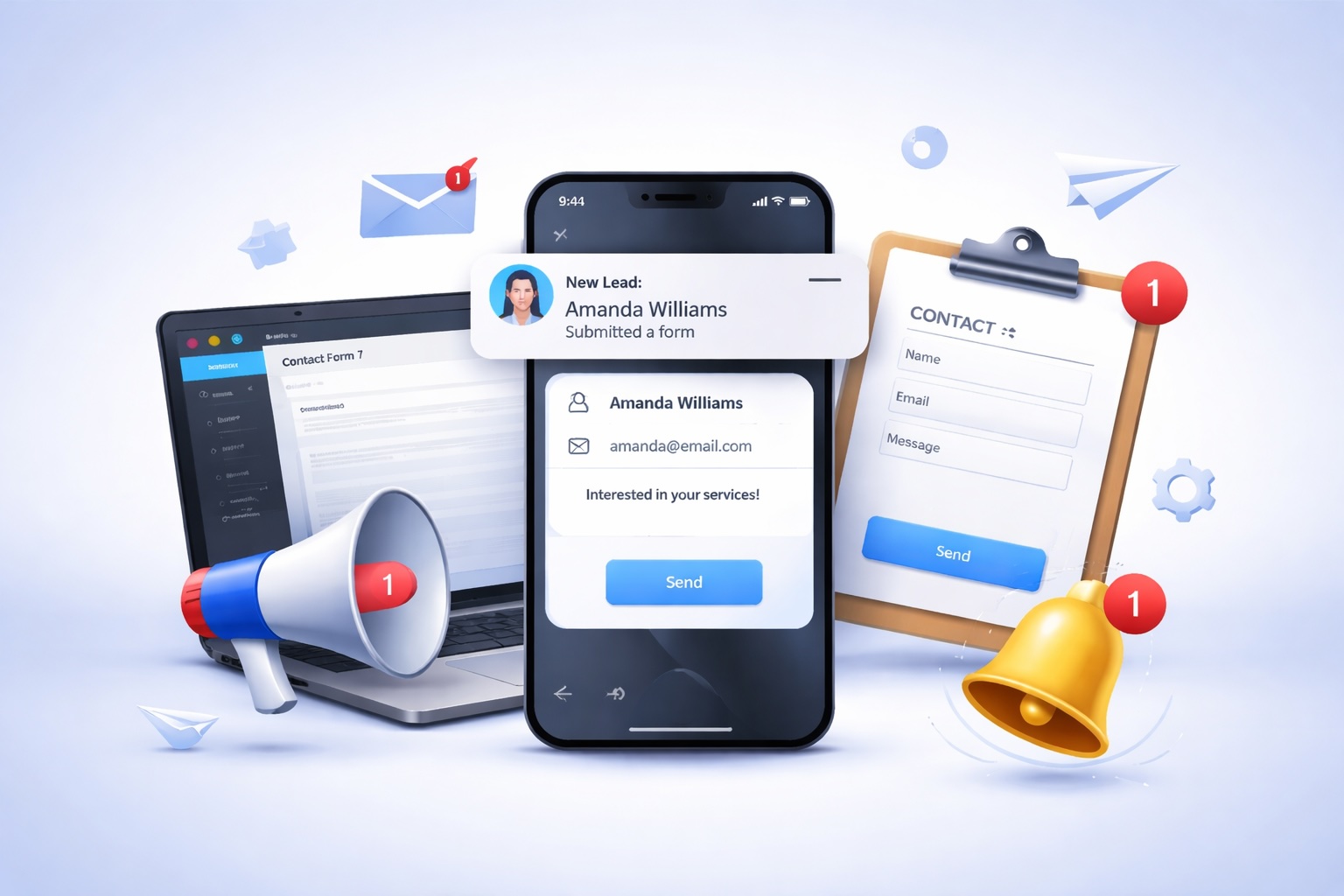
You spent months building your WordPress website. The design looks sharp, the contact forms works, and visitors are coming in. But somewhere between a potential client hitting “Submit” and you actually following up — missing leads from website. No email. No notification. No second chance. Every delayed response can mean lost revenue.
This isn’t a rare case. It’s one of the most common problem that WordPress website owners face. And the root cause is an over-dependence on email-based lead notifications.
Why Businesses Miss Website Leads?
Many businesses miss website leads from their website without realizing it. Common reasons include broken contact forms, delayed email notifications, spam filters, slow response times, and poor lead tracking systems. Sometimes inquiries are sent to unattended inboxes or lost among daily emails. In other cases, website visitors leave before getting help because there is no instant response option like live chat or automation. Mobile usability issues and confusing forms can also reduce conversions. Every missed inquiry is a lost sales opportunity. By using a reliable lead management system with real-time alerts, businesses can capture, track, and respond to every website lead more effectively and increase conversions.
Common Reasons Website Leads Get Lost:
- Emails land in spam: SMTP misconfigurations and aggressive spam filters swallow lead notifications before you ever see them.
- Delayed delivery: Email servers sometimes queue messages for minutes or even hours, so your “instant” notification isn’t instant at all.
- Inbox overload: Your lead email gets buried under newsletters, invoices, and other notifications and is missed entirely.
- No mobile alert: Unless push notifications are set up for your email app, you won’t know a lead came in until you check manually.
- High-value leads lost: Studies show responding to a lead within 5 minutes increases conversion odds by 9x. Email delays kill that window.
- No fallback system: If the email fails, there’s no backup. The lead is simply gone with no record that you missed it.
- The hard truth: email was never designed to be a real-time lead alert system. Using it as your only lead notification channel is like waiting for a letter to arrive when you needed a phone call.
The Problem with Email-Based Lead Notifications
Most WordPress forms — Contact Form 7, WPForms, Gravity Forms — are set up to send you an email when someone submits a form. It sounds simple enough. But between that form submission and your inbox, a lot can go wrong.
According to email deliverability research, transactional and notification emails have an average inbox placement rate of around 85% — meaning roughly 1 in 7 lead emails never even reaches you.
The Fix: Real-Time Lead Notifications with Onivaan App
Onivaan App is an AI-powered engagement platform built to ensure you never miss a website lead again. Instead of relying on email to tell you about a new inquiry, Onivaan delivers real-time lead notifications — the moment a visitor interacts with your website.
After deploying Onivaan’s AI chat widget, one business reported a 25% increase in lead conversions within the first months — with the system qualifying leads and routing high-intent inquiries to the sales team automatically, 24/7.
Key Benefits of Using Onivaan for Website Leads
Onivaan was built for businesses that can’t afford to miss a lead because their notification system failed. Here’s what sets it apart from a standard email-forwarding setup:
- Truly real-time alerts: Get notified the instant a visitor submits a form or starts a chat — no email queues, no delays.
- AI-powered qualification: The AI chat widget engages visitors, answers questions, and pre-qualifies leads before you even see them.
- Multi-channel notifications: Alerts reach you via app, browser push, and integrations — not just email.
- CRM & plugin integration: Connects with most CRM systems, email platforms, and WordPress builders via API and plugins.
- Always-on lead capture: The AI assistant works outside business hours so you never miss a lead submitted at midnight.
- Secure & compliant: Industry-standard data protection, encryption, and privacy compliance built in from day one.
How Onivaan Works With WordPress Forms & Chat
Onivaan operates in five layers that work together to capture, qualify, and notify you of every lead in real time.
- Visitor lands on your WordPress site: Onivaan’s AI chat widget activates immediately. It greets the visitor, answers questions, and guides them toward taking action through a conversational interface that feels human.
- AI qualifies and captures the lead: As the conversation unfolds, Onivaan collects key lead data: name, contact info, intent, and urgency level. High-intent inquiries are flagged and routed directly to your sales team in real time.
- Real-time notification fires instantly: The moment a lead is captured, Onivaan pushes an instant notification to you through its real-time alert system. You know about the lead within seconds — not hours.
- Live call transcripts & analytics: For voice interactions, Onivaan provides near-live transcripts during active calls. Sentiment, keywords, and call duration are all tracked automatically.
- AI email responder handles follow-up: After the lead is captured, Onivaan’s AI Email Responder automatically sends a personalized, on-brand reply — keeping the prospect engaged while you prepare to take over.
A Walkthrough of Onivaan App
Getting started with Onivaan is straightforward — no technical background required. Here’s what the setup and day-to-day experience looks like:
- Setting up on your WordPress site: Onivaan integrates with WordPress through its API and plugin system. Once connected, you deploy the AI chat widget on your website. The interface requires zero code to launch and your first AI assistant can be live in minutes. You can fully customize the widget’s responses to match your brand voice and messaging.
- Configuring your lead notifications: From your Onivaan dashboard, you define what constitutes a “lead” trigger: a form submission, a chat conversation that reaches a certain intent threshold, a phone inquiry, or all three. You set who gets notified, how, and in what priority order. No lead falls through a gap because the right person wasn’t in the loop.
- Monitoring in real time: Your Onivaan dashboard gives you a live view of all active conversations, recent leads, and engagement trends. The analytics layer tracks sentiment, call duration, keyword mentions, and lead quality signals — giving you actionable insight into how visitors are engaging with your site.
- Handing off to your team: When a high-value lead comes in, Onivaan routes it directly to the right person on your sales team in real time. No more digging through an inbox to find out someone important reached out three hours ago.
Frequently Asked Questions (FAQ)
Got questions about switching from email-based lead notifications to a real-time system? Here are the most common ones we hear.
Q: Why am I missing leads from website?
A: Businesses often miss leads due to delayed responses, unnoticed email inquiries, poor form design, lack of real-time alerts, or visitors leaving before submitting forms. A faster follow-up process can improve conversions.
Q: How do instant website lead notifications help?
A: Instant website lead notifications alert your team as soon as a visitor submits a form or inquiry. This allows faster responses, better customer experience, and higher chances of converting leads into paying customers.
Q: What is the best way to stop losing website leads?
A: Use a reliable lead management system with real-time notifications, automated follow-ups, form tracking, and centralized lead storage. This ensures every inquiry is captured and responded to quickly.
Q: Can faster responses increase website lead conversions?
A: Yes, responding quickly to new inquiries can significantly improve conversion rates. Leads are more likely to choose the business that replies first with helpful information.
Q: Do I need to know how to code to use Onivaan on my WordPress site?
A: No, not at all. Onivaan’s interface is fully intuitive and designed for non-technical users. You can deploy the AI chat widget on your WordPress site and configure your lead notifications without writing a single line of code. Live support and onboarding help are available for all plans.
Q: What’s the difference between Onivaan’s lead notifications and the email notifications my contact form already sends?
A: Your contact form’s email notifications go through an email server, which means they’re subject to spam filters, delivery queues, and inbox overload. Onivaan’s real-time lead notifications bypass the email chain entirely and alert you the moment a lead is captured — via push notification, app alert, or your preferred channel — so you’re notified in seconds, not minutes or hours.
Q: Can Onivaan work with my existing CRM and contact forms?
A: Yes. Onivaan integrates with most CRM systems, email platforms, and website builders via its API and plugin ecosystem. Whether you’re using HubSpot, Salesforce, Mailchimp, or a custom CRM, Onivaan is built to fit into your existing stack without replacing it.
Q: What happens to leads that come in outside of business hours?
A: Onivaan’s AI chat widget operates 24/7. When a visitor submits a form or starts a chat at midnight on a Sunday, the AI engages them immediately, captures their details, and queues a real-time notification for you. The AI Email Responder can also send an automatic, on-brand acknowledgment to keep the lead warm until your team is back online.
Q: Is my lead data safe with Onivaan?
A: Yes. Onivaan follows industry best practices for data protection, encryption, and privacy compliance. All lead data is handled securely, and the platform is built with GDPR-conscious design principles to protect both your business and your prospects.
Q: How quickly can I get set up?
A: Most users have Onivaan live on their WordPress website within a single session. Once you connect your site via Onivaan’s plugin or API, configure your notification preferences, and customize your AI assistant’s responses, you’re ready to go. Onboarding support is available on all plans to help you get there faster.
Q: What if I’m already using a lead generation plugin on WordPress?
A: Onivaan works alongside your existing lead capture tools. Rather than replacing your contact forms or pop-ups, Onivaan adds a real-time notification and AI engagement layer on top of them — ensuring that leads captured through any channel are immediately flagged and followed up on.
Q: How does Onivaan’s AI qualify leads?
A: The AI chat widget engages each visitor in a natural conversation — answering product questions, understanding their needs, and collecting key intent signals. Based on that conversation, Onivaan scores the lead’s urgency and value, then routes high-intent inquiries directly to the right person on your sales team in real time.
The Bottom Line
Every lead that submits a form on your WordPress website is a person with a real need and a limited patience window. If you’re relying on email alone to tell you about that lead, you’re playing with fire. Spam filters, server delays, and inbox overload all conspire against you.
Onivaan fixes the problem at the root. Its AI-powered chat and real-time notification system means you capture the lead, qualify it instantly, and get alerted the second it happens — whether you’re at your desk, on your phone, or in a meeting. The AI keeps the conversation warm while you prepare to respond personally.
Stop losing high-value leads to a broken notification chain. Make the switch to real-time lead capture with Onivaan and give every inquiry the immediate attention it deserves.
Start Capturing Every Website Lead Today.
Try Onivaan’s Website Leads Solution and see how it improves conversions with real-time website lead notifications.
Capture every inquiry instantly, qualify leads automatically, and respond faster with Onivaan. Visit Onivaan and set up real-time lead notifications on your WordPress website today.
Latest Post

What Our Client
After deploying the AI chat widget on our website, we experienced a 35% increase in lead conversions within the first two months. The chatbot instantly engages visitors, qualifies prospects, and routes high-intent inquiries directly to our sales team. It works 24/7, ensuring we never miss an opportunity — even outside business hours.
Marketing Director
The AI Email Responder completely transformed how we manage customer communication. It automatically categorizes, prioritizes, and responds to hundreds of daily inquiries with accurate, human-like replies. Our team now focuses on strategic growth instead of repetitive emails, and our response time has improved dramatically.
E-Commerce Founder
Onivaan’s AI solution streamlined our entire customer support process. We reduced response times by over 50% and significantly increased customer satisfaction scores. The system handles FAQs, appointment scheduling, and common troubleshooting instantly, allowing our support agents to concentrate on complex cases.